
Magnolia Wellness Villa
Add Magnolia to your phone or computer. It runs full-screen like an app, updates itself, and needs no app store.
Add Magnolia to your phone or computer. It runs full-screen like an app, updates itself, and needs no app store.

Add it to your home screen in a few seconds. It runs full-screen like a native app.
Get startedTakes about 20 seconds. Same steps on every device.
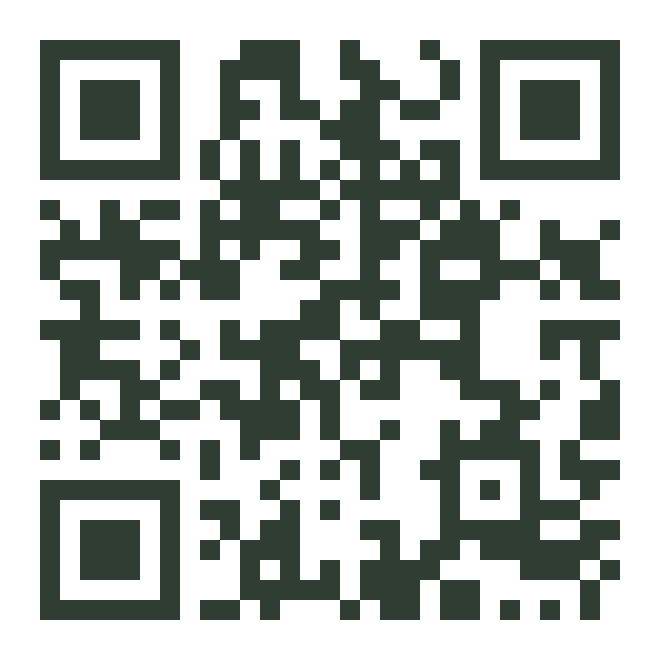
Scan this code with your phone camera to open this page and add Magnolia to your home screen.
Magnolia Wellness Villa · Your health is your wealth